
Pages: the parts of your blog that are allowed to change
Add About, Projects or Contact pages to your blog's menu. Update them any time; every version stays on-chain.
Posts on Rune are written in stone: once published, they can never be changed. That is the point. But a blog is more than its posts. There is the About page that gets out of date the day you move. The list of projects. The page with your talks and how to reach you.
Those pages are now part of Rune.
A menu for your blog
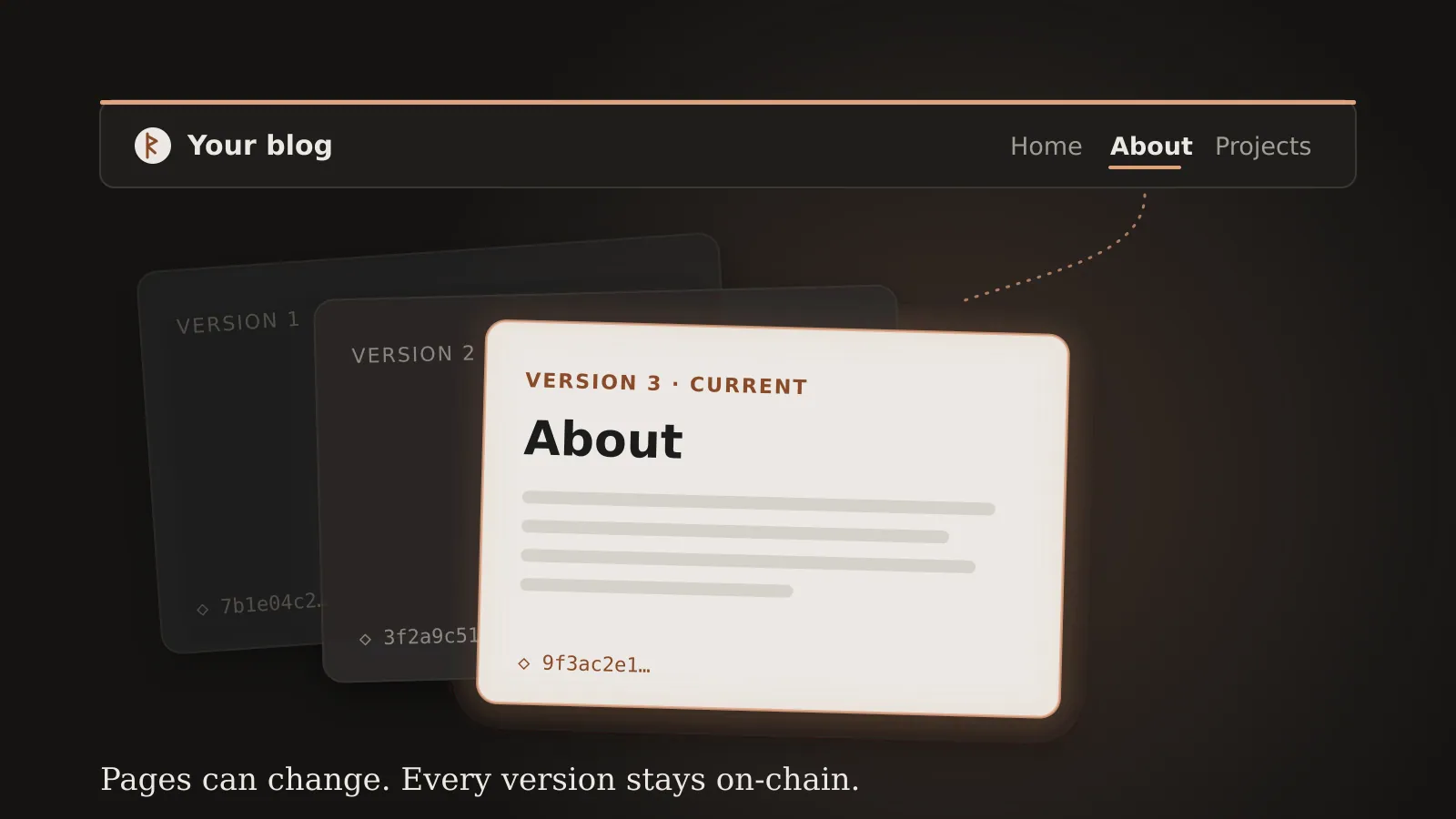
Create a page from your dashboard, write it like a post, and publish it. It appears in your blog's menu, next to Home, in the order you choose. Pages do not show up in your list of posts, in your feed, in Explore or in the emails your followers get. They are the furniture of your blog, not the news.
Pages can change, and nothing is lost
Here is the twist. A page can be updated after it is published. Edit it, press Publish changes, and Rune inscribes a new version on-chain and points your blog at it.
The old version does not disappear. It stays on-chain, with its own content ID, exactly as it was. The page's on-chain details list every version, so anyone can see what your About page said in 2026, and when it changed.
That felt like the honest way to do it. Nothing is erased; the latest version is simply the one your blog shows.
Moving from Ghost?
If your old blog runs on Ghost, we can bring your pages along with your posts: text, images and the same addresses, so old links keep working. Get in touch at support@surflabs.net and we will help you move.